A live support ticket queue for your staff
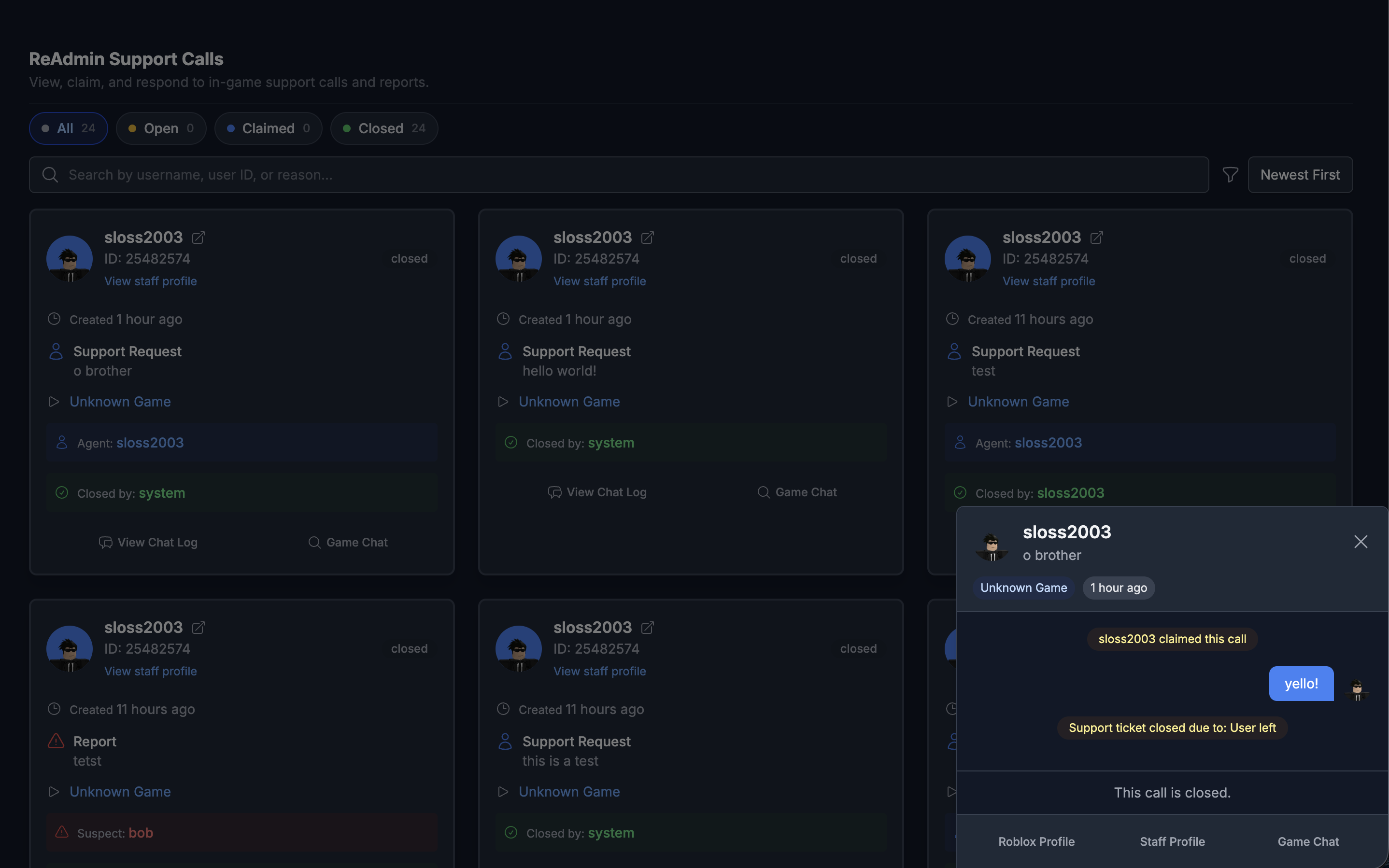
Calls gives your team a live queue of in-game support and report tickets. Claim a call, work it, chat with your team, and jump into the game — all from the web dashboard.

epicGamer_99
2m ago · Pizza Place
Report
Exploiting / flying
BloxxedBella
5m ago · Pizza Place
Support request
Stuck behind a wall
xX_Voxel_Xx
11m ago · City RP
Report
Harassment in chat
PixelPanda23
20m ago · City RP
Support request
Can't claim my payout
Calls is the web-side companion to in-game support. Every support request and player report your community receives lands in a single live queue your staff work together, so nothing slips through the cracks.
Filter by open, claimed, or closed and search by user, reporter, or reason. Claim a call to take ownership, chat in-context with your team, and resolve it with full history attached.
What you get
Everything calls & support queue should do
Live ticket queue
Filter by open, claimed, or closed and search by user, reporter, or reason.
Claim & coordinate
Assign calls to agents and chat in-context so nothing slips through.
Join the game
Jump straight to the right server when a place ID is available.
Full ticket history
Every call keeps its full conversation and context for accountability.
Frequently asked questions
- What is the Calls queue in ReAdmin?
- Calls is a live queue of in-game support and report tickets that your staff work from the web dashboard — claim, coordinate, and resolve every ticket in one place.
- Can staff join a Roblox game from a support ticket?
- Yes. When a place ID is available on a call, staff can jump straight into the right server to handle the issue in person.
- How do tickets get into the Calls queue?
- Tickets are raised by players through ReAdmin's in-game support panel and flow directly into the Calls queue for your staff to claim and resolve.
Explore related features
Bring calls & support queue to your Roblox community
ReAdmin is the most advanced staff management platform on Roblox — and it's free to start.